

Vector File Conversion
Many clients send us photos or JPEG logos, but these are made of pixels. When scaled up for printing (especially silkscreen, pad printing, or laser), they become blurry.
Now with AI vector conversion, it’s easier than ever.
DRAG IMAGE HERE TO BEGIN
or click to select — JPG / PNG / WEBP supported
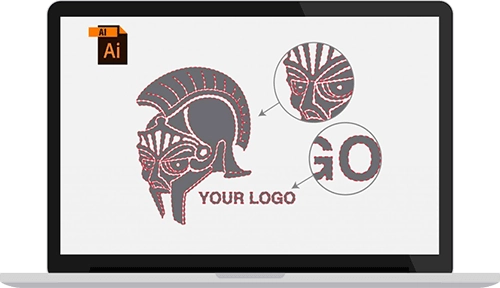
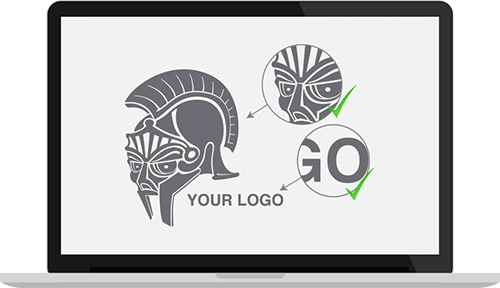
Why vector files matter for gift printing When we print your logo on corporate gifts using silkscreen, pad printing, UV, or laser engraving, the machine needs clean outlines — not pixels. That’s why we convert your logo to vector before production. Our AI image to vector converter handles most logos automatically, and our designers manually refine anything complex. The result is a print-ready vector file that stays sharp at any size, whether it’s on a pen or a banner.
What is a vector file, and why is it important for printing?
A vector file is a graphic made of paths instead of pixels. It can be scaled to any size without losing quality. This is essential for professional printing, especially on promotional products.
Can I use my JPG or PNG logo for printing?
No. JPG, PNG, and even low-resolution PDFs are raster files. They become pixelated when enlarged and cannot be color-separated for methods like silkscreen or laser engraving.
What happens if I send a pixelated logo?
Your printing will likely be rejected. Low-resolution logos cannot be printed clearly and need to be manually redrawn into vector format before proceeding.
Do I still need a designer to trace my logo?
Not necessarily. We now use AI-powered tools like to automatically convert your image into vector format — no manual tracing needed in most cases.
How does AI vector conversion work?
Our system uses artificial intelligence to detect edges, lines, and shapes in your logo. It auto-generates a clean vector version (SVG, EPS, PDF) that’s ready for printing or editing.
Is AI vectorization 100% accurate?
It works great for simple logos and high-resolution images. However, if your image is low quality or complex, manual touch-ups by a designer may still be required.
What file formats are accepted for AI vectorization?
You can upload JPEG, PNG, BMP, or even screenshots. The clearer your image, the better the conversion results.
Can I edit the AI-converted logo later?
Yes. Once vectorized, your file can be opened in Illustrator or other graphic software to edit colors, text, or shapes.
What if my logo has shadows, gradients, or 3D effects?
AI might simplify complex effects into basic shapes. For such logos, we recommend letting our designer review and refine the file after auto-conversion.